
A clearer ChurchSuite app: easier navigation and Smart Search
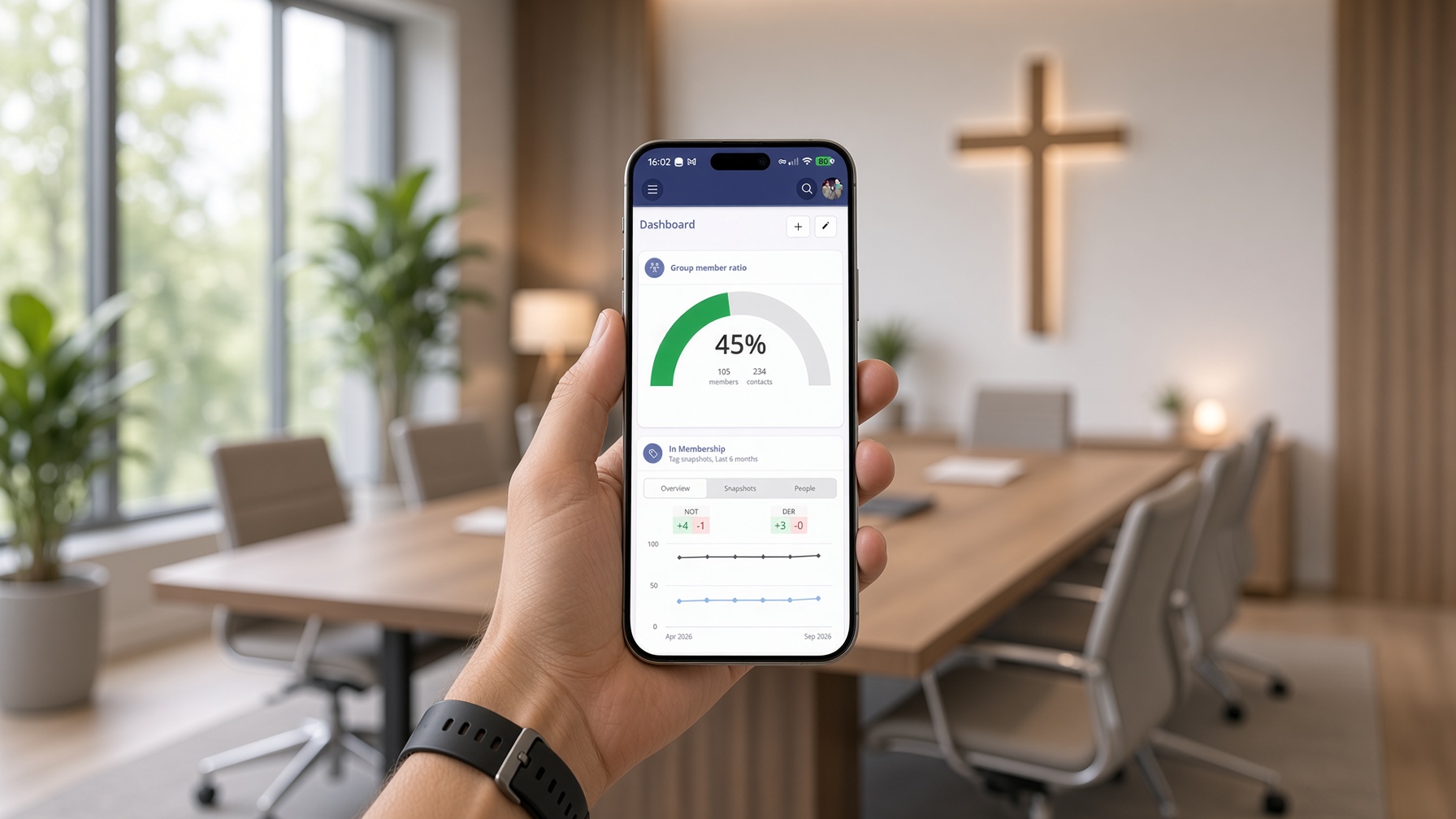
A good deal of church administration happens away from a desk. Plans get checked on a Saturday morning, notes are added after a visit, and event sign-ups are looked up between conversations. The ChurchSuite app is there for those moments, and we've made some changes to make it even easier to navigate and search.
Updated navigation
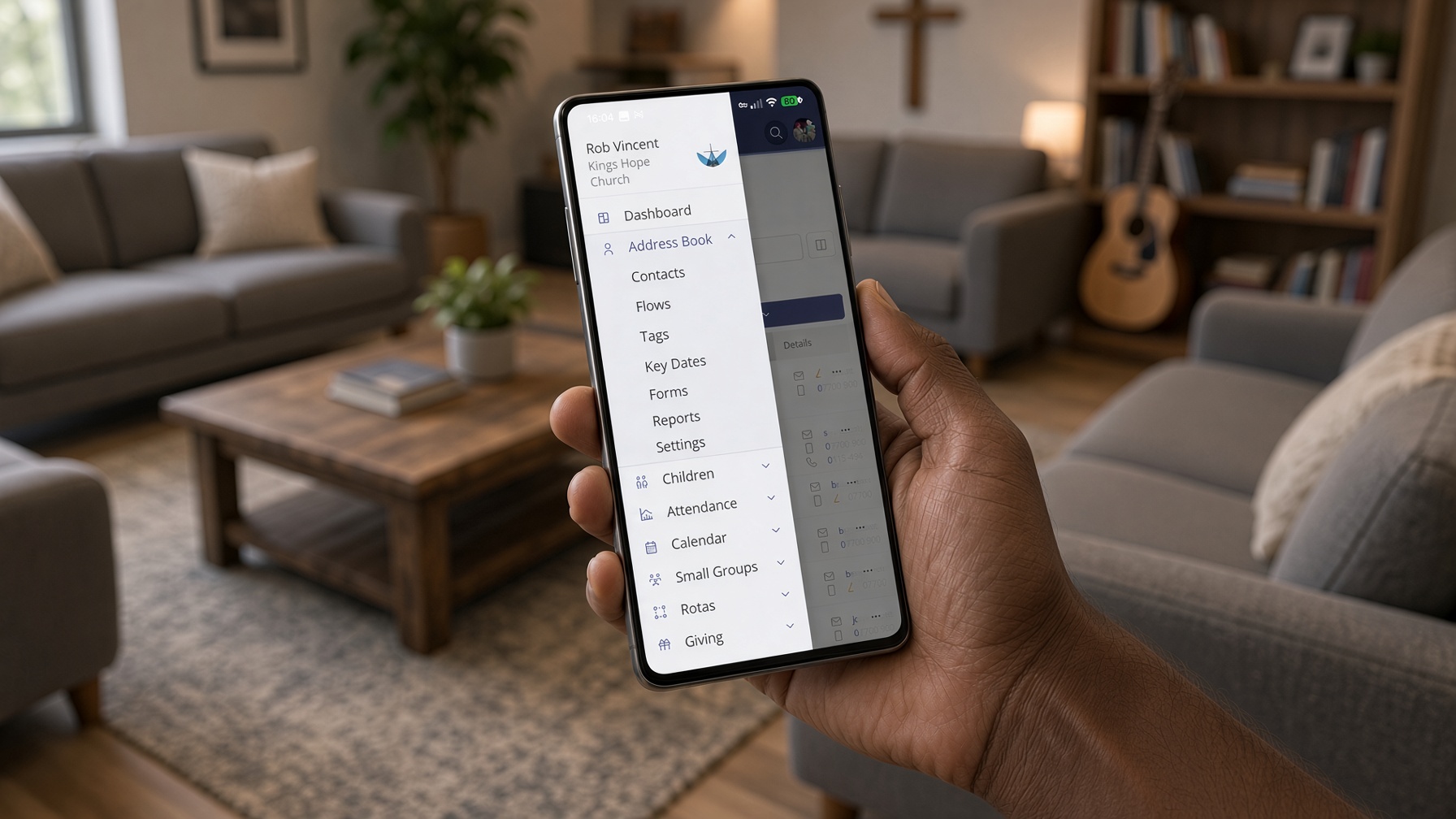
To bring the apps in line with the way ChurchSuite works in your browser, we've moved the navigation button in the ChurchSuite iOS and Android apps. Its new position makes it easier to reach when you're using your phone with one hand.
We've also updated the Back button and introduced navigation icons that match those used in the browser. Moving between the app and browser should now feel more familiar, with consistent icons and a clearer way to get back to the previous screen.
Smart Search on the app
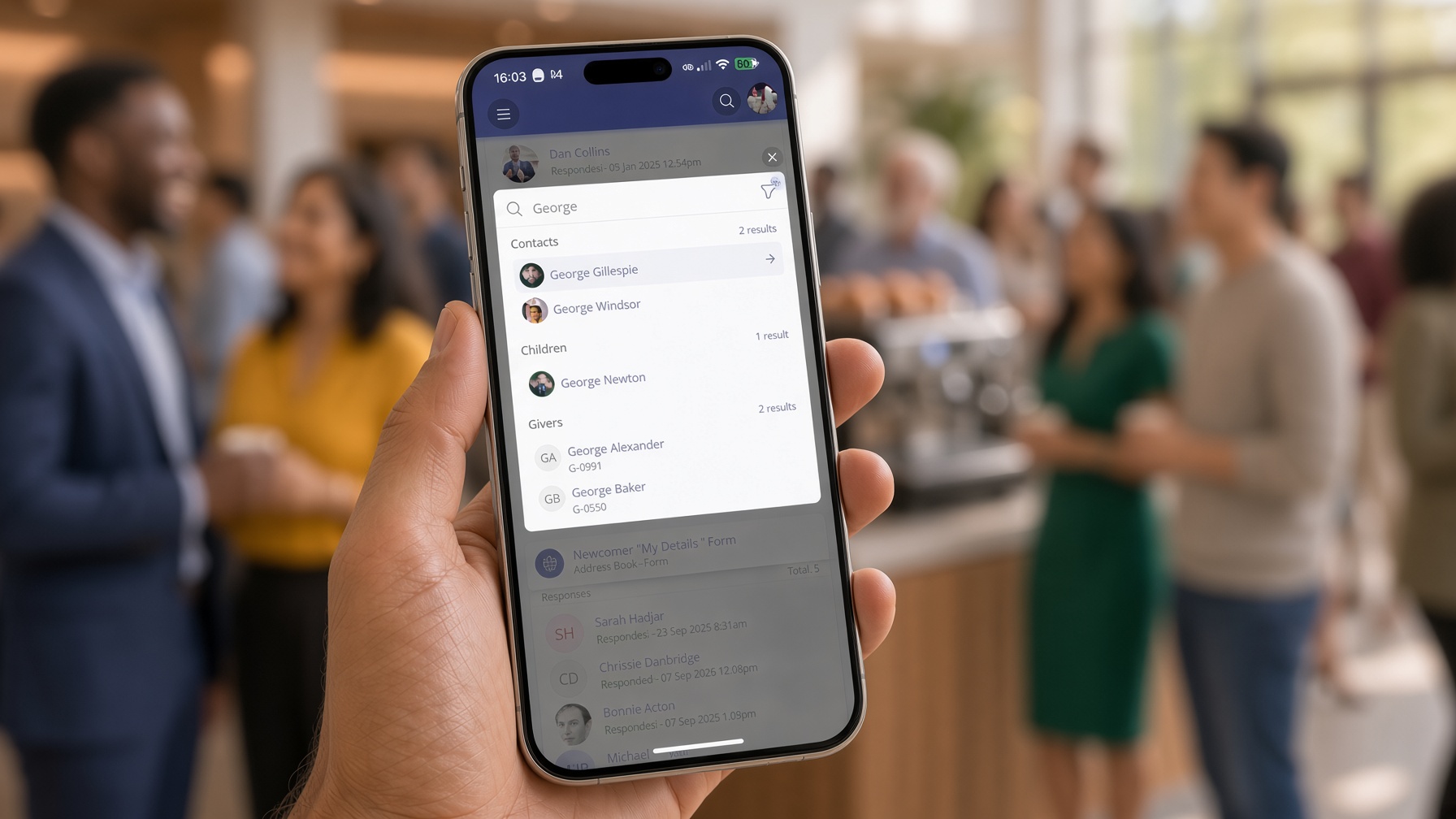
Smart Search is now available in the app! It's been a popular part of our recent design updates in the browser, and now you can use it on the go too.
Open Smart Search and start typing what you're looking for. ChurchSuite will search across your account and return matching people, groups, events, tags, forms, key dates and more.
Just like in the browser, you don't need to remember which module something belongs to before you start looking. Instead of tapping through several menus to find something, you can search once and go straight to it - particularly useful when you're on the go.
How to get the update
If you already have the ChurchSuite app, simply update to the latest version from the App Store or Google Play. The new navigation and Smart Search will be available when you next open the app.
If you're new to the app, download ChurchSuite, search for your church or organisation and sign in with the same details you use in the browser. You can add further accounts and switch between them from the User menu. The app is secured using the passcode, screen lock or biometrics already set up on your device, and works seamlessly alongside Multi-Factor Authentication, which we recommend enabling on all accounts.
For help installing and signing in, see the support article: iOS and Android apps for smartphones and tablets
Keeping things organised, wherever you are
These changes continue the work on the new design we released in the browser earlier this year. The aim is the same: to make ChurchSuite easier to navigate and help you find the information you need, wherever you're working.
Update the app when you have a moment and give Smart Search a try the next time you need to find someone or something on the go. As always, if anything is unclear or you have feedback, please get in touch with our Support team.